


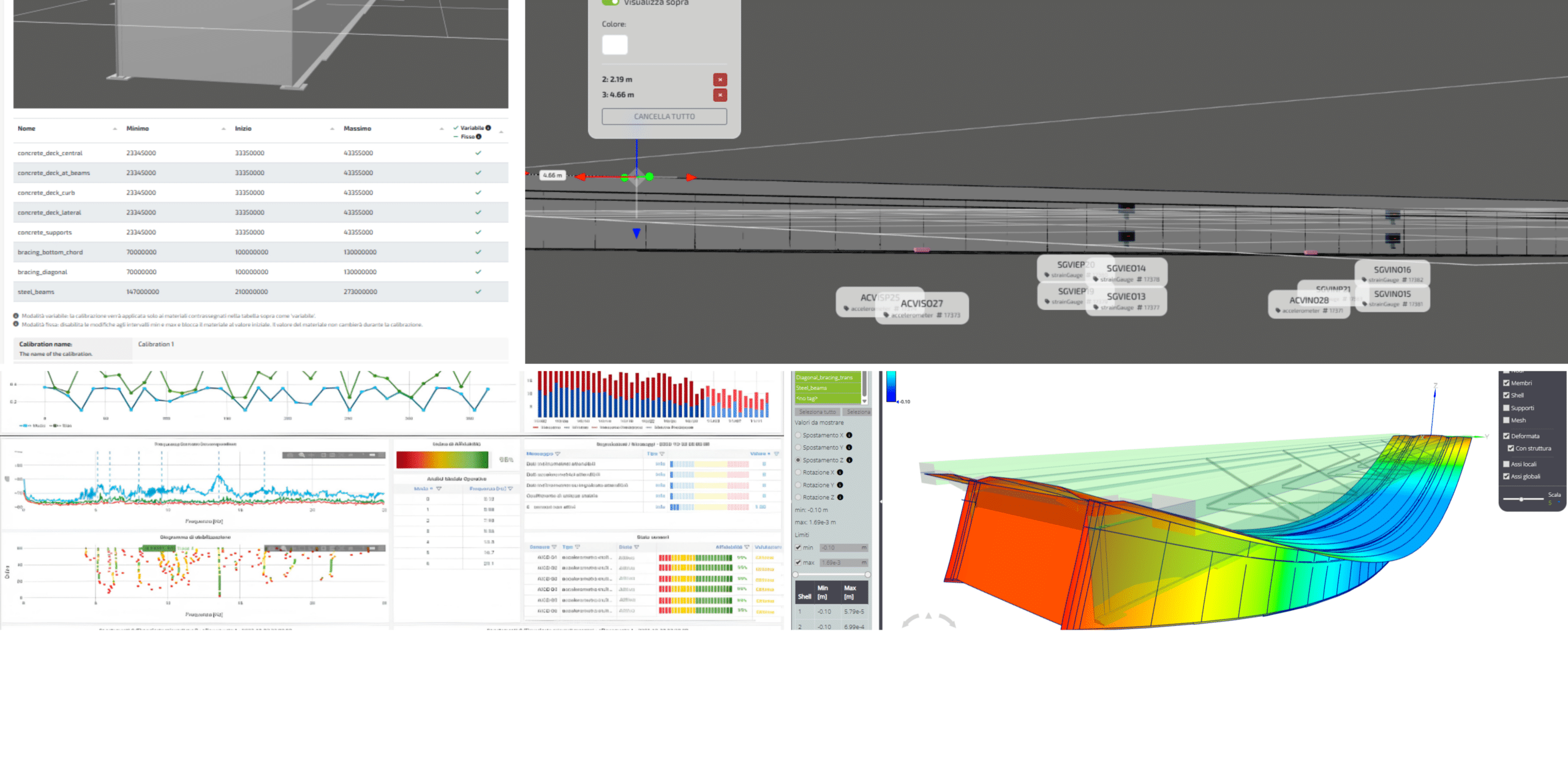
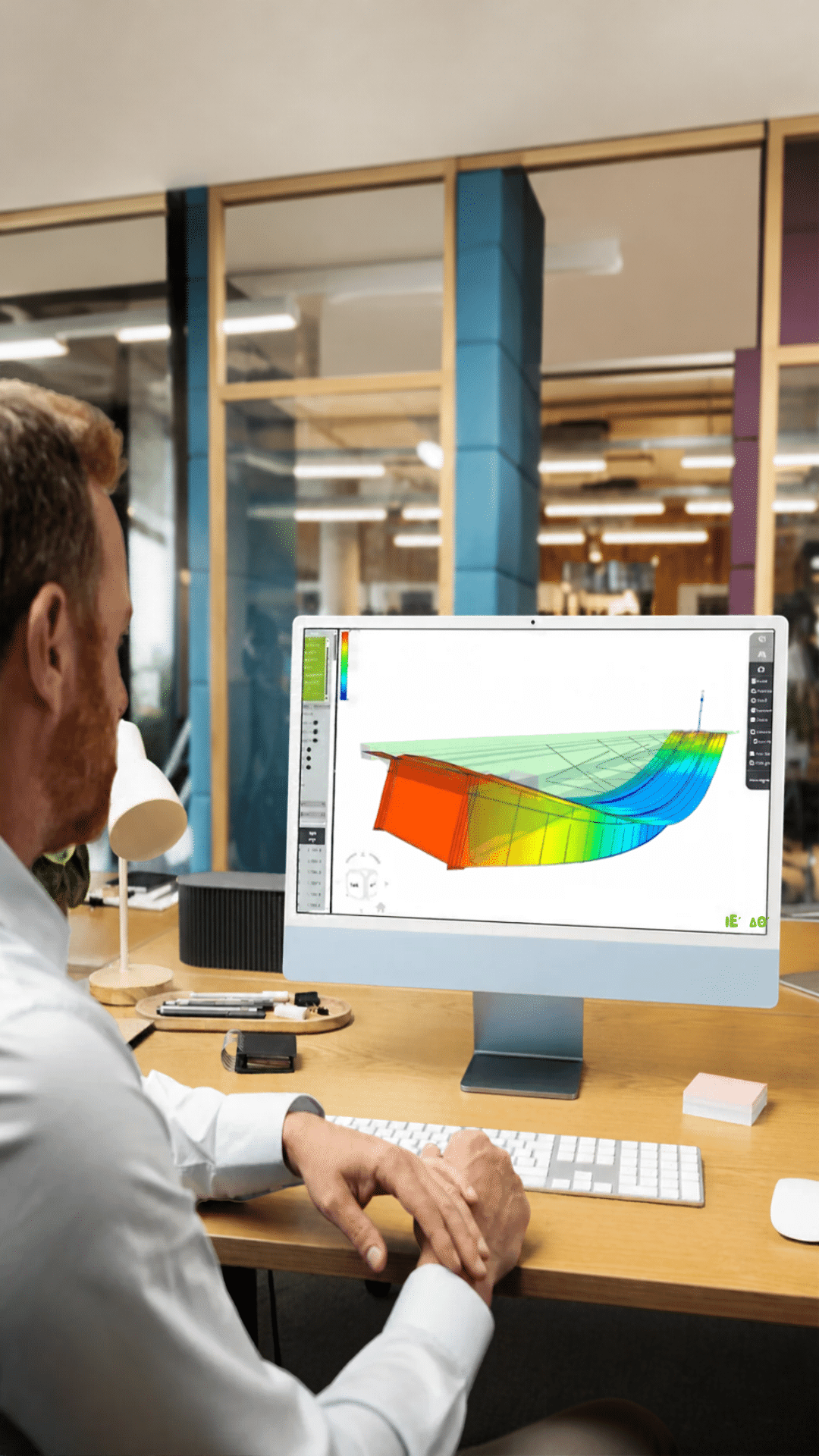
Twin Builder brings structural monitoring workflows into one environment, from sensor data integration to analysis, visualization and model calibration. But how does it work in practice, and where does it fit into an engineer’s workflow?
We’ve collected some of the most common questions about Twin Builder to explain its capabilities, the difference between Data-Driven and Model-Based approaches, and how it helps engineers turn measurements into actionable structural insights.
What can I build with Twin Builder?
Twin Builder is the environment where engineering teams configure a monitoring system: they connect sensors and data repositories, prepare data, and set up analyses, dashboards, and reports. The Model Based level adds computational models, simulations, and calibration to build a physics-based digital twin of the structure. This functionality is currently dedicated to bridges.
Can I get started without an FEM model?
Yes. With Data Driven, you can configure connections, data checks, analyses, dashboards, and reports without a numerical model. Model Based includes these capabilities and adds the engineering model, simulation, and calibration. The right choice depends on the questions the project needs to answer. The Model Based level of Twin Builder is currently dedicated to bridges.
Do I need to rebuild my bridge model from scratch?
Twin Builder Model Based can start from FEM models created with supported software, including MIDAS, SAP2000, SOFiSTiK, and RFEM. The imported model is prepared for integration with data and for the planned analyses. Compatibility for the specific case and any required adaptation work must be assessed on the model to be used.
Can I connect sensors and data I already have?
Twin Builder lets you configure connections to existing sensors, data acquisition systems, and repositories through protocols such as MQTT, OPC-UA, HTTP, and Modbus. Integration depends on the interfaces, formats, and accessibility of the available data. The first step is therefore to verify how the existing systems make measurements available.
Can I use raw sensor data directly?
Before running analyses, you need to verify that the data is fit for purpose. Twin Builder lets you configure validation, filtering, noise reduction, and compensation for environmental effects. These steps prepare the datasets for subsequent processing. The checks and treatments to apply depend on the signals and the project objectives.
What does it mean to calibrate a model using measured data?
It means comparing the model response with measurements from the structure and updating selected parameters to improve the match. Twin Builder Model Based uses inverse analysis and parameter optimization to automate calibration iterations. The engineer defines how the problem is set up and assesses the consistency of the result.
How is AI configured to detect anomalies?
Twin Builder lets you prepare and validate datasets, define baseline behavior, and configure model training and detection parameters. Selecting the data and settings is part of the configuration work. Detected anomalies must be interpreted in light of the structure’s context and the quality of the measurements.
Can I configure dynamic data analysis and OMA?
Yes. Twin Builder lets you configure Operational Modal Analysis projects by selecting dynamic channels, frequency ranges, resolution, and processing methods. The setup must be consistent with the available signals and the analysis objectives. The technical content can therefore be organized before it is used in the monitoring environment.
Can I compare different scenarios using the same model?
Twin Builder Model Based lets you set up what-if analyses by changing load conditions, environmental conditions, or assumptions about damage and interventions. Comparing scenarios helps explore how the bridge model’s response changes. Results are interpreted in relation to the assumptions and conditions used in the simulation.
What happens after configuration in Twin Builder?
The environment prepared in Twin Builder can feed Twin Monitoring for continuous monitoring. Connections, analyses, dashboards, and reports are configured according to project requirements; the Model Based level also adds the calibrated digital twin. The two modules play complementary roles and have separate licenses, which can be purchased individually or together.
What is needed to assess Twin Builder for my project?
You need a description of the structure, the project objectives, and information about the available data and the systems that collect it. For the Model Based level, the bridge’s FEM model is also useful, together with the source software and the desired analyses. These elements make it possible to assess compatibility, configuration, and preparatory work.

